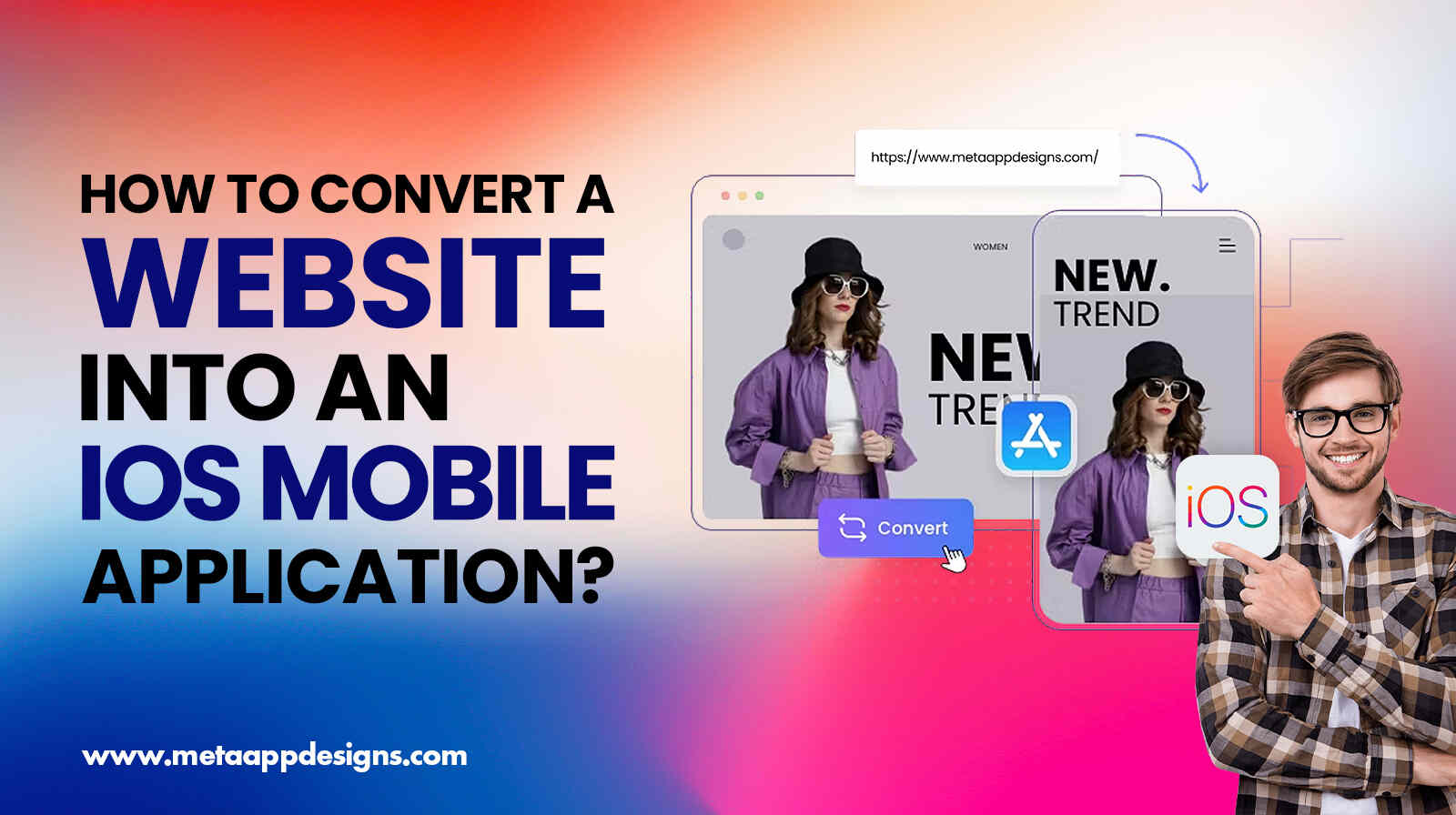
As we see in today’s competitive, mobile-first economy, businesses are actively looking to convert their websites into high-performing iOS apps to improve user engagement, user retention, and the overall customer experience. Reports show that users spend nearly 90% of their mobile time inside apps rather than browsers. This is a key reason apps could become a major growth channel.
Thank you for reading this post, don't forget to subscribe!Partnering with a custom iOS app development company or platforms like Meta App Designs enables faster transformation of websites into scalable mobile applications without compromising performance or UX of the platform. Whether you are evaluating a turn website into an iPhone app, a strategy for eCommerce, SaaS, or service platforms, the right approach determines long-term ROI
This shift is also part of a broader mobile-first strategy for business, in which companies focus on app-driven ecosystems rather than browser-only experiences. According to Statista, mobile apps have consistently outperformed websites in retention and engagement.
Why Businesses Are Turning Websites Into iOS Apps?
Table Of Content
Mobile apps are becoming a core growth channel because they are outperforming traditional websites in engagement, personalization, and performance. A structured website to iOS app conversion allows businesses to stay connected with users through push notifications, faster access, and offline features.
iOS Feature Impacts:
| iOS Feature | User Benefit | Business Value |
| Camera | Instant capture/upload | Higher engagement |
| GPS | Location-based services | Local targeting |
| Apple Pay | Secure payments | Higher conversions |
| Face ID | Fast authentication | Better security |
| Push Notifications | Real-time updates | Increased retention |
| Offline Mode | No internet access needed | Improved usability |
Current market trends indicate strong conversion momentum. Case studies from Shopify merchants have shown that mobile apps improve repeated purchases through push-based remarketing and loyalty systems. Similarly, brands like Vero Moda and Jack & Jones used MobiLoud to convert web experiences into apps and improve retention efficiency.
This reinforces why mobile app development is key to growing your brand in modern digital ecosystems.
Website to App Conversion Blueprint: Stepwise Guide
Before we dissect the entire process lets embrace the newly found reality that this conversion – from a website to an IOS App – is no longer a technical shift. It has become an integral component of a broader web app vs native iOS app narrative, dictating the strategic decision-making in the mobile economy. With Apple tightening App Store policies, businesses must prioritize real app value over simple wrappers.
Modern frameworks like Flutter and React Native are now among the Top Mobile App Development Frameworks for iOS & Android, paving the way for scalable cross-platform builds.
Step 1: Define the App’s Core Objective
Every successful app launches with a clear goal. Decide whether you are simply upgrading a website or building a full mobile-first product as part of a custom iOS app development company strategy. Apps with their focus on a mobile-first strategy for business perform much better in terms of engagement and retention.
Step 2: Pick the Conversion Approach That Suits Your Budget & Plan
There are three primary paths for the conversion approach:
1. WebView apps.
2. PWAs.
3. Native Apps.
Web apps are cost-effective, PWAs improve accessibility, and native apps provide optimal performance. Choose what fits your budget and plan.
Step 3: Optimize for Mobile-First Experience
A poorly performing mobile website would usually result in poor app performance. Core Web Vitals are essential for ensuring speed, responsiveness, and UX quality before conversion. It helps improve the website’s performance and make conversions smoother.
Step 4: Shortlist High-Impact Features
Prefer features like push notifications, Apple Pay, personalization, and chat systems. Apps with real-time notifications exhibit higher retention rates. The users feel more connected and closer to the company’s core.
Step 5: Design a Clean App Interface
The design should be simple and usable. Tools like Figma are widely used for designing purposes. Platforms such as Meta App Designs help integrate UX frameworks inspired by the modern design ecosystem.
Step 6: Begin Development
Development can be done using app builders or through custom iOS app development by a custom iOS app development company. Cross-platform frameworks like Flutter save development time while maintaining performance.
Step 7: The Testing Phase
Testing ensures stability across devices. The testing phase is the most important for the new app-building process. Apple encourages extensive TestFlight beta testing before App Store submission.
Step 8: App Store Preparation
Apple enforces strict rules under its Guideline 4.2.6, frequently rejecting apps that are simple website wrappers without added native functionality. Knowing the rules before deploying the app can save you from creating inefficient apps.
Step 9: Launch and Promotion
Marketing through email, social media, and referral systems triggers early momentum. Early ratings significantly impact App Store visibility, which is an important step in building an app.
Step 10: Continuous Maintenance and Growth
Apps require ongoing optimization for security, performance, and iOS updates. Analytics-driven improvements help increase retention and conversions.
Collectively, all these steps would ensure a smooth and sustainable conversion process for businesses that are here to stay for the long term.
Common Challenges Businesses Face
A primary issue faced in the app development process – at a very initial stage – is rejection by the App Store. This typically happens because of Apple’s strict enforcement of non-wrapper apps.
Poor performance usually is a result of non-optimized WebView apps. Security threats arise in payment-related apps. The fixture lies in encryption and secure APIs.
Apps are running products, which is why they require continuous maintenance and upgrading. Such maintenance overhead can be efficiently managed by deploying modular architecture and structured scaling under a custom iOS app development company or platforms like Meta App Designs.
How Much Does It Cost to Convert a Website Into an iOS App?
Before selecting an app development option, businesses should evaluate cost against ROI and scalability, especially when comparing web app development services with native builds.
Cost & ROI Table
| App Type | Cost | Retention Impact | ROI Insight |
| WebView | $500–$5K | Low–Moderate | Fast entry, weak long-term growth |
| Hybrid | $5K–$25K | Moderate–High | Best balance of cost & scalability |
| Native | $25K–$150K+ | High | Maximum long-term ROI |
Apps outperform websites in engagement and retention, supporting this strong market shift and validating the fast-paced conversions underway. The app has a solution for every issue you can think of.
Final Thoughts
As a conclusion, we can conclude that working with a custom iOS app development company or platforms like Meta App Designs can significantly accelerate digital transformation for businesses, exploring a turn website into an iPhone app strategy. Especially in a world dominated by a mobile-first strategy for business, apps have turned into a necessity for any store or business. Apps act as the core revenue engines for the company
Whether you choose a web app vs. native iOS app approach or invest in web app development services, success depends on execution, UX, and continuous optimization, as it requires staying up to date with the latest market trends. Businesses that treat apps as long-term digital assets, not just conversions, have achieved stronger retention, better conversions, and sustainable growth.